 Product Guide
RGB Lighting in Gaming Headsets: More Than Just a Gimmick?
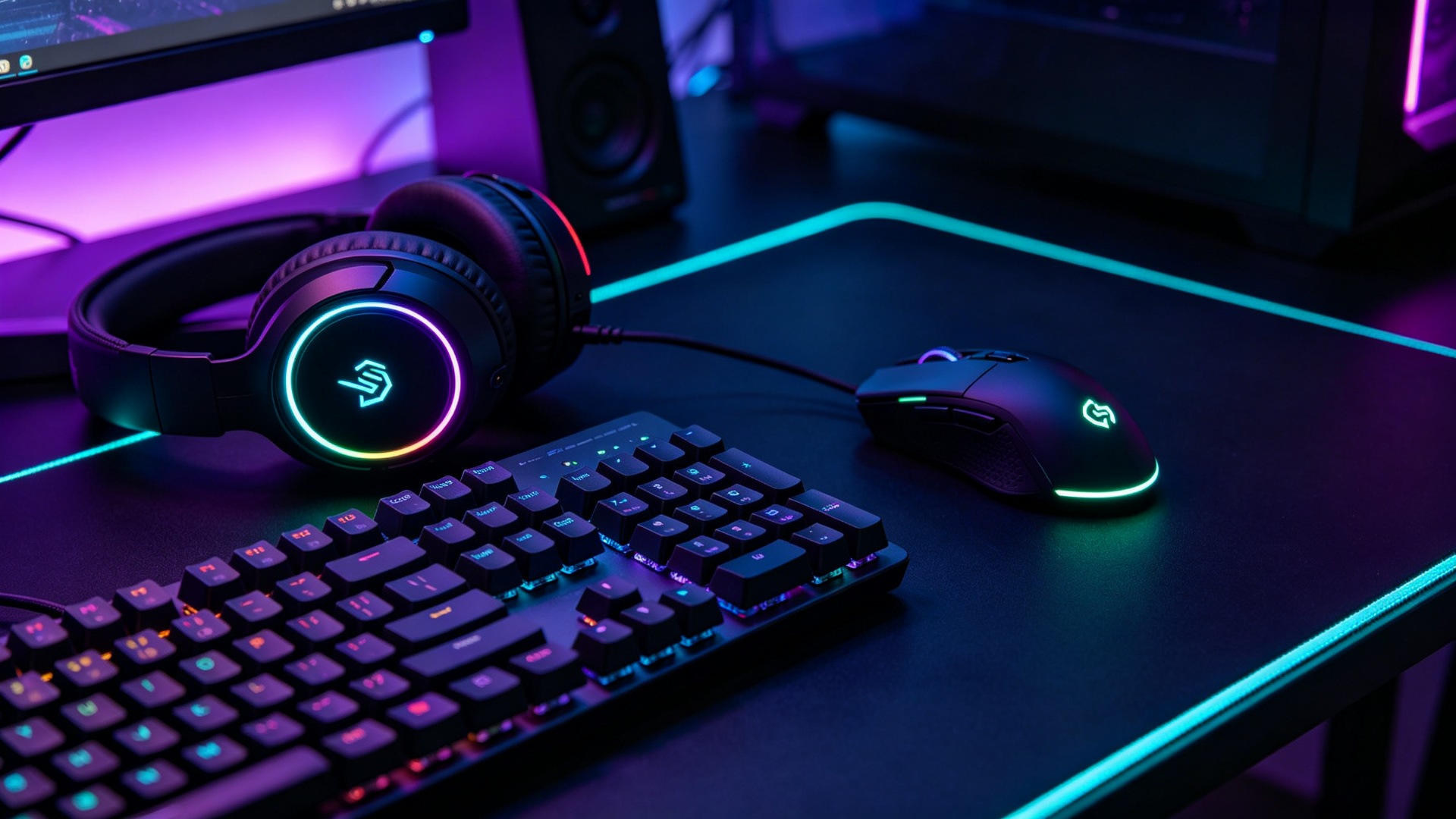
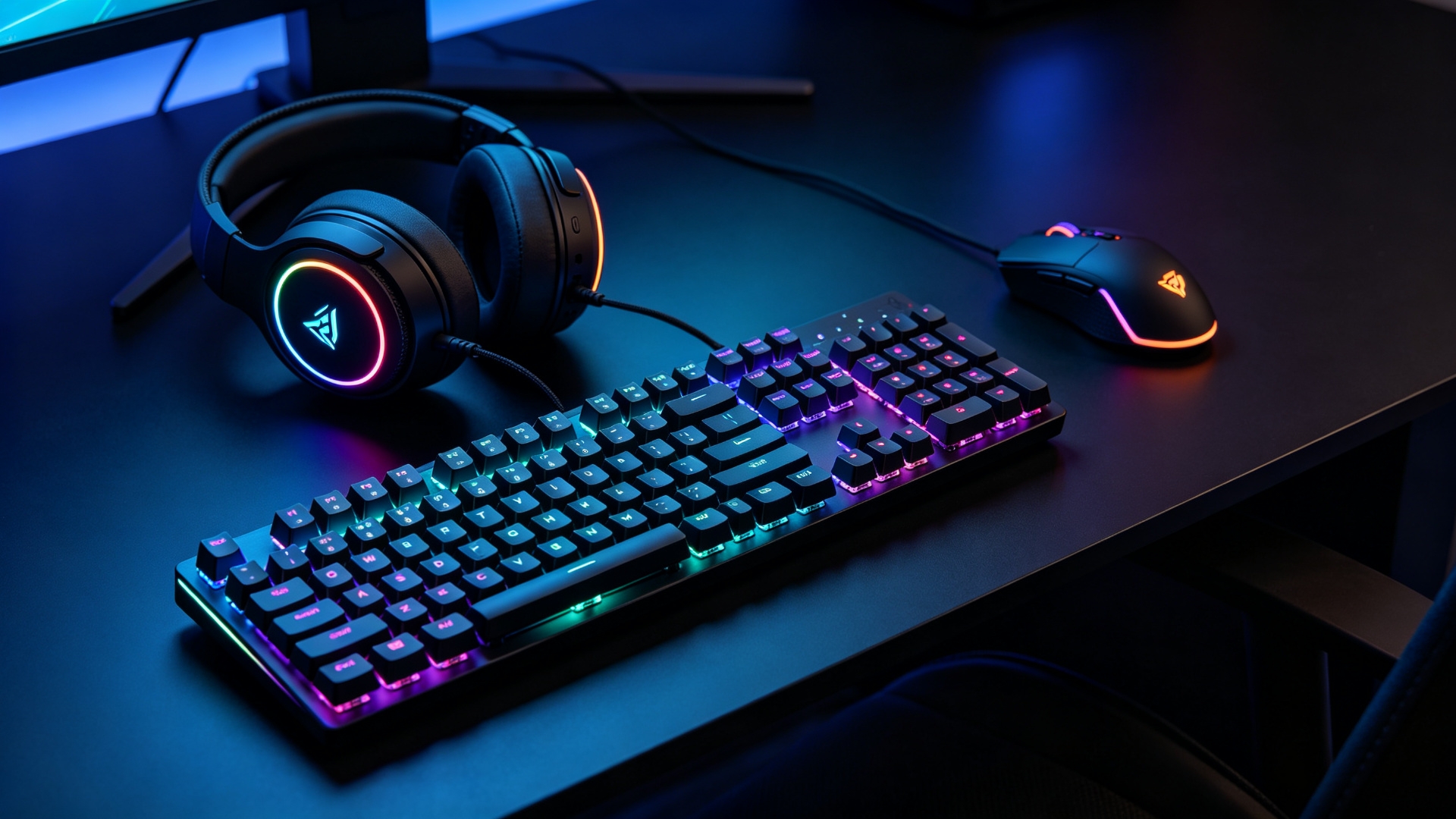
RGB lighting is the most divisive feature in gaming peripherals. Walk into any gaming setup and you'll see it—RGB keyboards, RGB mice, RGB mousepads, RGB PC cases, RGB fans, even RGB RAM sticks. And of course, RGB gaming headsets, with glowing ear cups and illuminated logos.
Gamers tend to fall into two camps. The first camp loves RGB—they spend hours configuring custom lighting profiles, syncing all their peripherals to the same color scheme, and showing off their setups on Reddit and Instagram. To them, RGB is an essential part of the gaming aesthetic.
The second camp hates RGB—they see it as a pointless gimmick that adds cost, complexity, and potential failure points to a product. They prefer clean, understated designs and think that a headset should sound good, not look like a Christmas tree.
As a manufacturer who has produced both RGB and non-RGB headsets for over a decade, I can tell you that the truth lies somewhere in between. RGB is neither an essential feature nor a complete gimmick—it's a design choice with real costs, real benefits, and real implementation challenges. Understanding these will help you decide whether RGB is worth it for your product or your purchase.
The Cost of RGB: What Goes Into a Lit Headset
Before we debate whether RGB is worth it, let's talk about what it actually costs to implement. RGB isn't just a few LEDs—it's a complete subsystem that adds components, complexity, and manufacturing steps to the headset.
Component Costs
Here's a breakdown of the additional hardware required for RGB lighting in a gaming headset:
| Component | Cost (per unit) | Purpose |
|---|---|---|
| RGB LEDs (2-6 per ear cup) | $0.10-$0.30 | The actual light source. Addressable WS2812B LEDs cost more than simple RGB LEDs. |
| RGB control IC | $0.05-$0.15 | Controls color, brightness, and lighting effects. May be integrated into the main DSP. |
| Light diffusion rings | $0.05-$0.10 | Translucent plastic rings that spread light evenly across the ear cup. |
| Additional wiring | $0.03-$0.08 | Wires connecting the RGB LEDs to the control IC and power source. |
| Light-blocking materials | $0.02-$0.05 | Materials to prevent light leakage into the speaker driver area (which can cause audio interference). |
| Total additional BOM cost | $0.25-$0.68 |
So the raw component cost of RGB is about $0.25-$0.68 per unit. That doesn't sound like much, but it's only part of the story.
Manufacturing and Testing Costs
RGB adds complexity to the manufacturing process, which adds labor and time costs:
-
Additional assembly steps: The RGB LEDs, diffusion rings, and wiring need to be installed during assembly. This adds 2-3 minutes of assembly time per unit, which translates to $0.10-$0.20 in labor cost.
-
RGB testing: Every unit needs to be tested to ensure the RGB LEDs work correctly—all colors display, brightness is consistent, lighting effects function properly. This adds 1-2 minutes of testing time per unit, or $0.05-$0.15 in labor cost.
-
Defect rate: RGB adds additional potential failure points. A bad LED, a loose wire, or a faulty control IC can cause the RGB to malfunction. The additional defect rate for RGB is typically 1-2%, which adds $0.10-$0.20 per unit in rework and scrap costs.
-
Firmware/software development: If the RGB is customizable (via software), there's additional development cost for the RGB control software and firmware. This is a one-time cost, but it's significant—typically $5,000-$20,000 for a basic RGB control application.
Total Cost of RGB
Adding it all up, the total additional cost of RGB per unit is approximately:
- BOM cost: $0.25-$0.68
- Additional labor: $0.15-$0.35
- Defect/rework cost: $0.10-$0.20
- Amortized software development (at 5,000 units): $0.10-$0.40
- Total: $0.60-$1.63 per unit
At retail, this $0.60-$1.63 manufacturing cost difference typically translates to a $5-$15 price difference between RGB and non-RGB versions of the same headset. So when you pay $10 more for an RGB headset, you're paying for about $1-2 of actual hardware and labor, plus the retailer's markup and the manufacturer's profit margin on the feature.
The Benefits of RGB: Why Manufacturers Keep Adding It
If RGB adds cost and complexity, why do manufacturers keep putting it on every gaming headset? Because there are real benefits—for both the manufacturer and the consumer.
Benefit 1: Marketing and Differentiation
This is the biggest reason. In a crowded market where dozens of headsets have similar specs (50mm drivers, 7.1 surround, noise-canceling mic), RGB is a visual differentiator that makes a product stand out on a shelf or in a product listing.
A headset with RGB lighting is more eye-catching in product photos, more likely to be featured in "best gaming headset" roundups, and more likely to be shared on social media. RGB has become a visual shorthand for "gaming product"—consumers see the lights and immediately associate the product with gaming.
For manufacturers, this means RGB can increase sales volume enough to offset the additional cost. A headset that sells 10,000 units with RGB might only sell 6,000 units without RGB, even at a lower price.
Benefit 2: Perceived Value and Premium Feel
RGB lighting can make a product feel more premium and high-tech, even if the underlying hardware is the same. A $30 headset with RGB might feel like a $50 product to a consumer who is impressed by the lighting effects.
This is particularly true for younger gamers and casual gamers, who may not be able to discern differences in audio quality but can clearly see the difference between a lit and unlit headset. For these consumers, RGB is a tangible feature that justifies a higher price.
Benefit 3: Customization and Personalization
For gamers who care about their setup aesthetic, RGB offers a level of customization that non-RGB products can't match. With RGB control software, users can:
- Choose from millions of colors to match their setup
- Create custom lighting effects (breathing, pulsing, rainbow wave, reactive to audio)
- Sync lighting across all their peripherals (keyboard, mouse, headset, mousepad)
- Create profiles for different games or moods
This level of personalization creates an emotional connection with the product. A gamer who spends hours configuring their RGB setup is more likely to be loyal to the brand and less likely to switch to a competitor.
Benefit 4: Functional Feedback (When Done Well)
RGB can also serve functional purposes beyond aesthetics:
- Battery indicator: On wireless headsets, the RGB color can indicate battery level (green = full, yellow = medium, red = low).
- Mute indicator: The RGB can change color or flash when the microphone is muted, providing a visual reminder that you're muted.
- Audio reactive: The RGB can pulse or change color in response to game audio or music, creating a more immersive experience.
- Profile indicator: Different colors can indicate different audio profiles (FPS mode, music mode, movie mode).
These functional uses of RGB are less common than pure aesthetic lighting, but they demonstrate that RGB can be more than just a gimmick when thoughtfully implemented.
The Drawbacks of RGB: Why Some Gamers Hate It
Now let's look at the other side. RGB has real drawbacks that explain why many gamers—especially serious gamers and audiophiles—prefer non-RGB headsets.
Drawback 1: Added Cost
As we calculated earlier, RGB adds $0.60-$1.63 to the manufacturing cost and $5-$15 to the retail price. For gamers who care more about audio quality than aesthetics, this is money that could have been spent on better speakers, a better microphone, or more comfortable ear cushions.
A $50 headset without RGB might have better audio quality than a $50 headset with RGB, because the non-RGB version can allocate more of its cost to audio components.
Drawback 2: Potential Audio Interference
RGB LEDs and their control circuitry operate at high frequencies, which can potentially cause electromagnetic interference (EMI) with the audio circuitry. If the RGB system is poorly shielded or poorly laid out on the PCB, it can introduce audible noise—hisses, buzzes, or pops—into the audio signal.
Good manufacturers mitigate this by:
- Separating the RGB circuitry from the audio circuitry on the PCB
- Using shielded cables for the RGB LEDs
- Adding filtering capacitors to the RGB power supply
- Testing audio quality with RGB on and off to ensure no interference
But budget manufacturers may skip these steps, resulting in headsets where the RGB introduces audible noise. This is one reason audiophiles are skeptical of RGB.
Drawback 3: Additional Failure Points
Every additional component is a potential point of failure. A headset without RGB has fewer things that can break. A headset with RGB has LEDs, control ICs, wiring, and diffusion rings—any of which can fail, resulting in a headset that still works audio-wise but has broken or flickering lights.
For gamers who keep their headsets for 3-5 years, this is a real concern. A headset with broken RGB still functions, but it looks broken, which can be annoying for users who care about aesthetics.
Drawback 4: Battery Drain (Wireless Headsets)
For wireless headsets, RGB is a significant power drain. RGB LEDs can consume 20-50mA of current, which can reduce battery life by 20-40%. A wireless headset that lasts 30 hours with RGB off might only last 18-24 hours with RGB on.
For gamers who use their wireless headset for long sessions, this means more frequent charging, which is inconvenient. Many wireless headset users end up turning RGB off to preserve battery, which means they paid for a feature they don't use.
Drawback 5: Distraction and Overstimulation
Some gamers find RGB lighting distracting, especially in dark rooms. The pulsing, changing lights can draw attention away from the game screen, and some users report eye strain or headaches from prolonged exposure to bright RGB lighting.
This is particularly true for headsets with RGB on the ear cups—the lights are in the user's peripheral vision and can be distracting. Some users also find that RGB reflects off their monitor or glasses, creating unwanted glare.
Drawback 6: Software Bloat
Customizable RGB typically requires proprietary software (Logitech G HUB, Razer Synapse, Corsair iCUE, etc.) that runs in the background of the user's PC. These software packages are often bloated, buggy, and resource-intensive. They can cause system instability, conflicts with other software, and privacy concerns (some RGB software collects usage data).
For gamers who prefer a clean, minimal system, the requirement to install bloated software just to control the lighting is a significant downside.
Implementation Quality: The Difference Between Good and Bad RGB
As with most features, the quality of RGB implementation varies dramatically between products. A well-implemented RGB system enhances the product; a poorly-implemented one detracts from it.
Good RGB Implementation
A high-quality RGB system has the following characteristics:
-
Even light distribution: The light is spread evenly across the ear cup, with no visible "hot spots" where individual LEDs can be seen. This requires good diffusion rings and proper LED placement.
-
Accurate colors: The RGB can display a wide range of colors accurately, without color shifting (e.g., red that looks orange, blue that looks purple). This requires high-quality LEDs and good color calibration.
-
Smooth effects: Lighting effects (breathing, pulsing, rainbow) are smooth and fluid, with no stuttering or jumping. This requires a good control IC and well-written firmware.
-
No audio interference: The RGB system doesn't introduce any audible noise or interference into the audio signal. This requires good PCB design and shielding.
-
Low power consumption: The RGB is efficient and doesn't drain the battery excessively (for wireless models). This requires efficient LEDs and power management.
-
Intuitive software: The RGB control software is easy to use, lightweight, and doesn't cause system issues. It offers a good range of customization options without being overwhelming.
-
Functional uses: The RGB serves at least one functional purpose (battery indicator, mute indicator, etc.) in addition to aesthetics.
Bad RGB Implementation
A low-quality RGB system has one or more of these problems:
-
Visible LEDs: You can see individual LED points through the diffusion ring, creating a "dot matrix" effect rather than smooth, even lighting.
-
Inaccurate colors: The colors are washed out or shifted, and the headset can't display certain colors accurately (especially deep reds and blues).
-
Jerky effects: Lighting effects stutter or jump, and the transition between colors is not smooth.
-
Audio interference: You can hear a faint buzz or hiss when RGB is active, especially at low volumes or during quiet moments in games.
-
Excessive battery drain: The RGB reduces battery life by 40% or more, making it impractical to use on a wireless headset.
-
Bloated/unreliable software: The RGB software is buggy, crashes frequently, uses excessive system resources, or conflicts with other software.
-
No off switch: The RGB can't be turned off completely, which is a problem for users who find it distracting or want to save battery.
When evaluating a headset with RGB, don't just check whether it has RGB—check how well the RGB is implemented. A headset with good RGB is worth the extra cost; a headset with bad RGB is worse than a headset without RGB at all.
Who Should Buy RGB Headsets?
Based on all of the above, here's my recommendation for who should (and shouldn't) pay extra for RGB:
RGB Is Worth It If:
-
You care about your setup aesthetic: If you've invested in an RGB keyboard, mouse, and PC case, an RGB headset completes the look. The visual cohesion of a fully synced RGB setup is genuinely impressive.
-
You're a casual gamer: If you game for fun rather than competition, the immersion and personality of RGB enhance your experience. You're not trying to gain a competitive edge—you're enjoying the game, and RGB makes it more enjoyable.
-
You stream or create content: If you stream on Twitch or YouTube, an RGB headset looks better on camera and contributes to your visual brand. Many streamers use RGB headsets specifically for the visual appeal.
-
You're buying for a younger gamer: Teenagers and younger gamers tend to be more impressed by RGB and more likely to see it as a premium feature. For a gift or a first gaming headset, RGB adds excitement.
-
You want functional indicators: If you value the mute indicator, battery indicator, or other functional uses of RGB, it's worth the extra cost.
RGB Is NOT Worth It If:
-
You're a competitive gamer: If you play competitive FPS games and prioritize audio quality and positional accuracy, RGB is a distraction and a waste of money. The money spent on RGB could have been spent on better audio components.
-
You're an audiophile: If you care about sound quality above all else, RGB is an unnecessary complication that can introduce audio interference. Look for a headset without RGB that allocates more of its cost to audio quality.
-
You have a wireless headset and value battery life: If you use a wireless headset for long sessions, RGB will significantly reduce your battery life. You'll probably end up turning it off, which means you paid for a feature you don't use.
-
You're on a tight budget: If you're looking for the best audio quality for your money, skip RGB and put the savings toward a headset with better speakers and a better microphone.
-
You prefer a clean, minimal aesthetic: If you like understated, professional-looking products, RGB will look garish and out of place. Many business professionals and older gamers prefer headsets without RGB because they look more professional.
What This Means for Manufacturers
If you're designing or sourcing gaming headsets, here's how to approach RGB:
Offer Both RGB and Non-RGB Versions
The best approach is to offer the same headset in both RGB and non-RGB versions, with a $5-$10 price difference. This lets consumers choose based on their preferences, and it doesn't force RGB on users who don't want it.
At MONTON Cloud, we offer several headset models in both RGB and non-RGB versions. We've found that the RGB version typically accounts for 60-70% of sales, but the non-RGB version has a loyal following among competitive gamers and audiophiles. Offering both maximizes your market reach.
Implement RGB Well (or Not at All)
If you include RGB, invest in good implementation. Use high-quality addressable LEDs, good diffusion rings, proper PCB shielding, and well-written firmware. Test for audio interference with RGB on and off. Provide intuitive, lightweight software.
A poorly-implemented RGB system will generate negative reviews and hurt your brand reputation. It's better to not include RGB at all than to include it badly.
Don't Overhype RGB in Marketing
RGB is a feature, not a selling point. Don't make RGB the centerpiece of your marketing—focus on audio quality, comfort, microphone quality, and build quality. Mention RGB as a bonus feature, but don't pretend it's the most important thing about the headset.
Consumers are becoming more savvy about RGB, and they can tell when a manufacturer is using lights to distract from mediocre audio quality. Be honest about what your product does well, and let RGB be a nice extra rather than a crutch.
Consider Functional RGB
Instead of (or in addition to) aesthetic RGB, consider implementing functional RGB that serves a real purpose:
- Mute indicator (red when muted, green when live)
- Battery indicator (green/yellow/red)
- Audio profile indicator (different colors for different EQ presets)
- Connection status (solid = connected, flashing = pairing mode)
Functional RGB adds value without being a gimmick, and it's appreciated by all users—not just those who care about aesthetics.
Final Thoughts
RGB lighting in gaming headsets is neither an essential feature nor a complete gimmick. It's a design choice with real costs ($0.60-$1.63 per unit to manufacture, $5-$15 at retail) and real benefits (marketing differentiation, perceived value, customization, functional feedback). Whether it's worth it depends on your priorities, your use case, and the quality of the implementation.
For casual gamers, streamers, and setup enthusiasts, RGB can enhance the gaming experience and is worth the extra cost—provided it's well-implemented. For competitive gamers, audiophiles, and budget-conscious buyers, RGB is an unnecessary expense that would be better allocated to audio quality.
The gaming industry will continue to put RGB on everything, and the marketing will continue to exaggerate its importance. But the smart buyer looks beyond the lights, evaluates the underlying product quality, and makes a decision based on their own needs and preferences.
At MONTON Cloud, we offer RGB on many of our models, but we never let it compromise audio quality. Our RGB systems are well-shielded, well-tested, and implemented with the same attention to detail as our audio systems. We believe RGB should enhance a great headset, not compensate for a mediocre one.
Whether you love RGB or hate it, the most important thing is to choose a headset that sounds good, feels comfortable, and has a clear microphone. The lights are just the icing on the cake—and if the cake is bad, no amount of icing will save it.